
Supplier XML
Turn your supplier's feed into your store's stock.
Enter the supplier's XML address and 34Pazar reads it regularly. New products, stock and price changes appear in a preview first and are applied when you confirm.
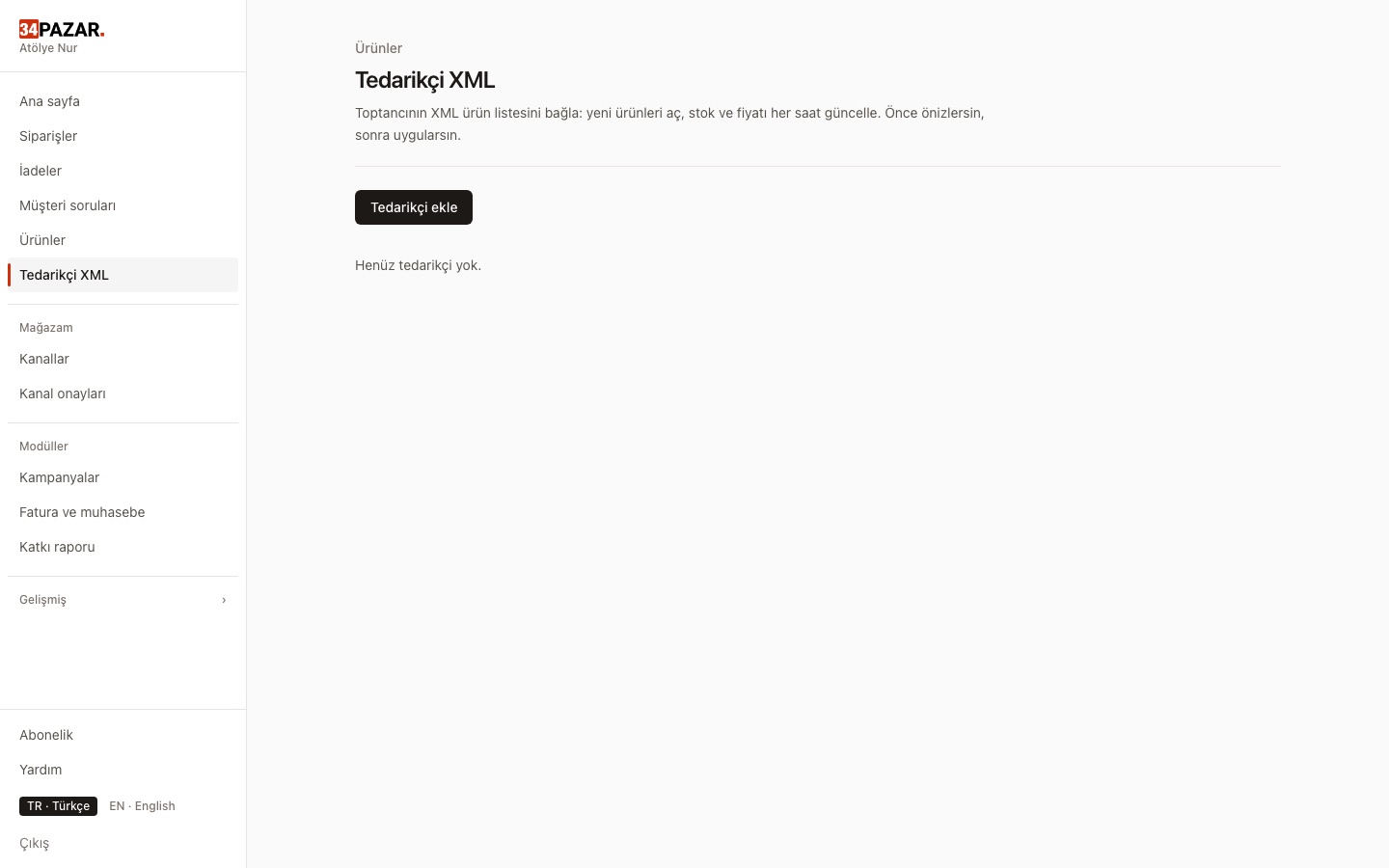
Real screenshot from the panel (demo store, Turkish interface).
What it solves
- You copy the wholesaler's stock list into your store by hand every day.
- Items out of stock at the supplier keep selling in your store.
- A broken XML wipes your whole catalog.
How it works
-
1
Add the XML address
Enter the address and preview the products and changes from the first read.
-
2
Choose a stock policy
Supplier stock as information only, or as your stock — your choice.
-
3
Regular updates
Changed records are processed; a missing record is not treated as zero stock.
Frequently asked questions
What if the XML is broken?
The feed is validated before anything is applied; a broken feed touches no products.
What if the supplier removes a product?
Absence is not treated as zero stock, so your whole catalog is never taken off sale by mistake.
Can I add a margin?
Channel pricing rules also apply to supplier prices.
Other solutions
- Inventory sync One stock count, no overselling
- Order management Every channel's orders in one list
- E-invoicing (Nilvera) Invoices from your Nilvera account
- Pricing rules and campaigns Channel markup, timed discounts, loss guard
- Bulk edit with Excel Update stock and prices in a sheet
- Shipment tracking Tracking numbers reach the channel
- International marketplaces eBay and Kaufland, with currency conversion