
Order management
All your orders in one list.
Every channel's orders land on one screen with status, totals, items and shipping. Stock from a cancelled order is added back, and the same cancellation is never counted twice.
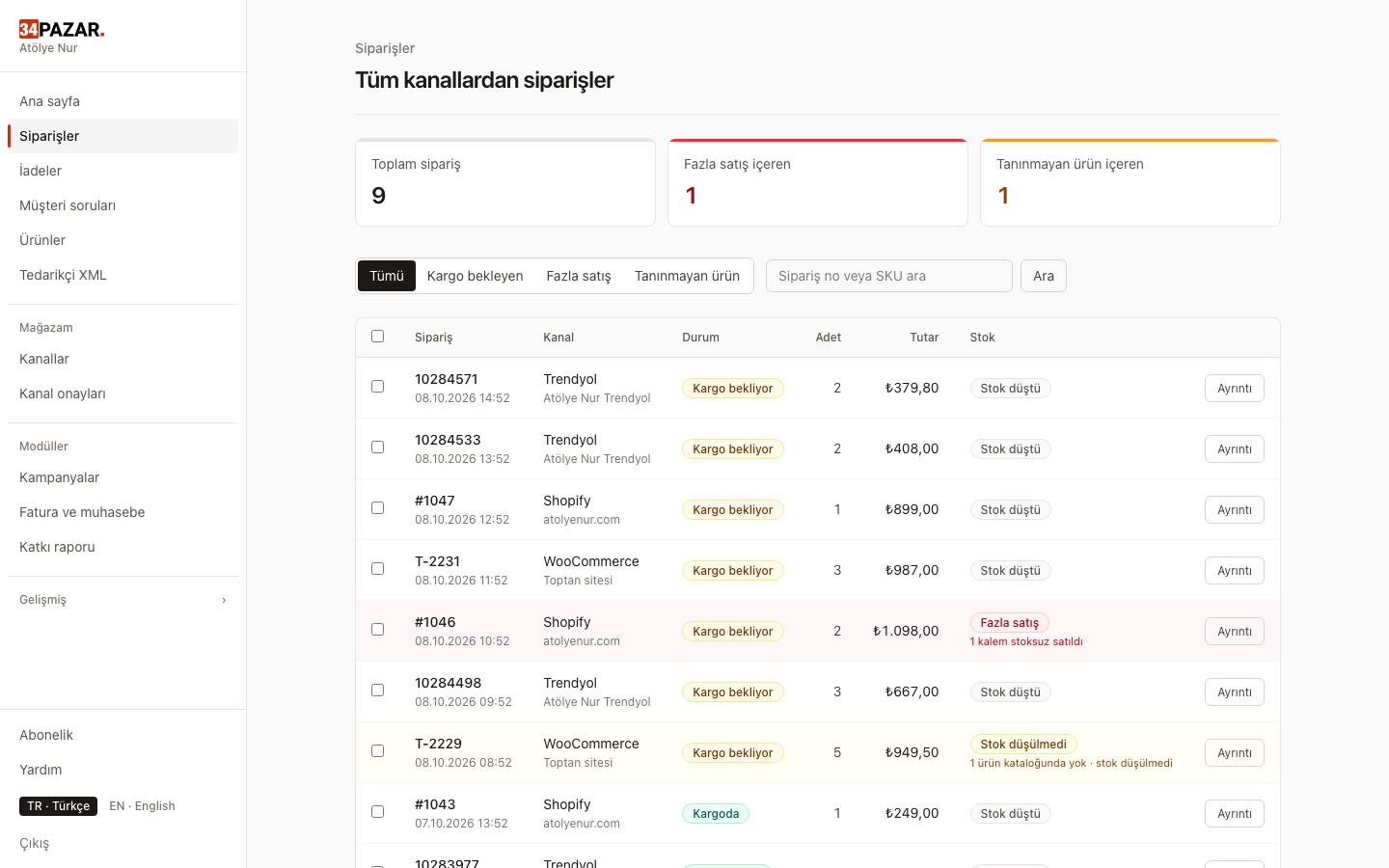
Real screenshot from the panel (demo store, Turkish interface).
What it solves
- You log in to every marketplace separately to check orders.
- Stock from cancelled orders is not added back, or added twice.
- Orders with products the system doesn't know get lost.
How it works
-
1
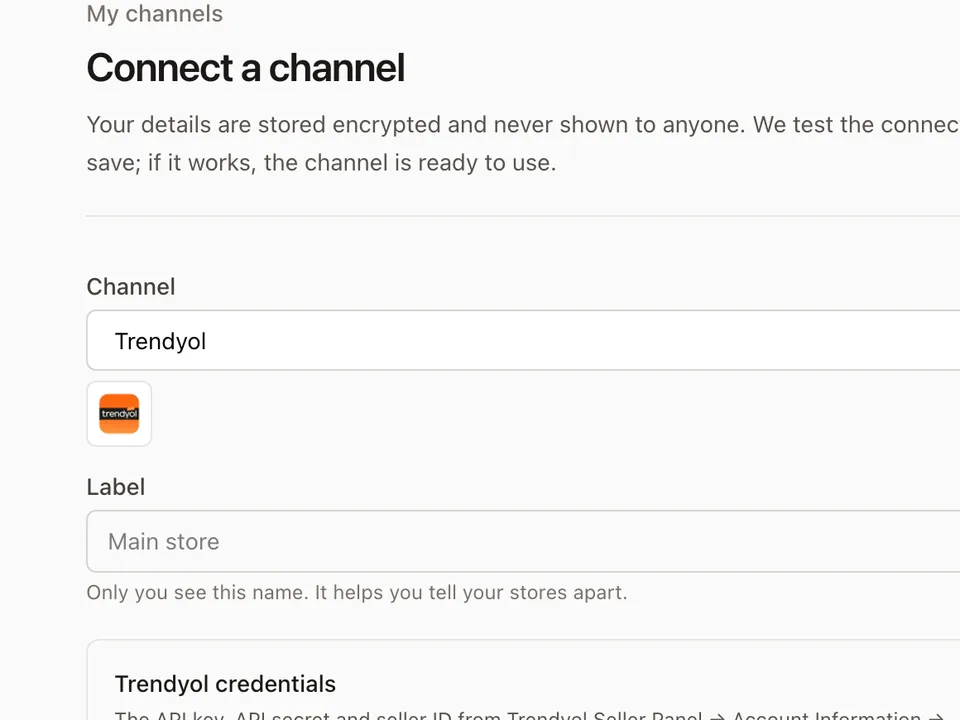
Connect your channel
Orders are fetched every 5 minutes; channels with webhooks deliver instantly.
-
2
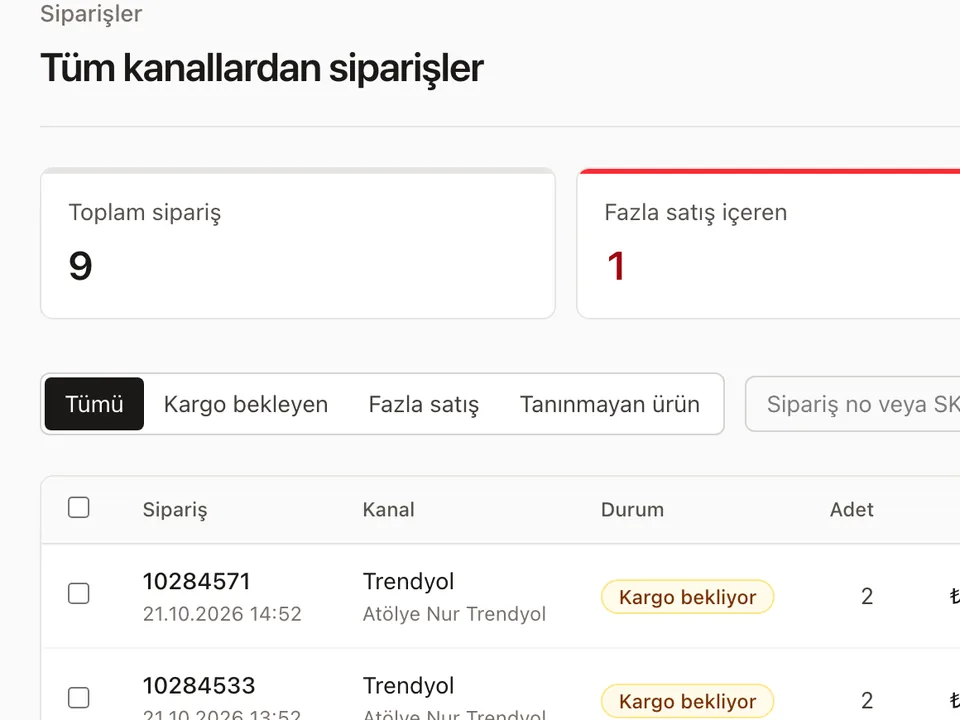
One order list
Filter by channel, status and shipping; open an order to see its items.
-
3
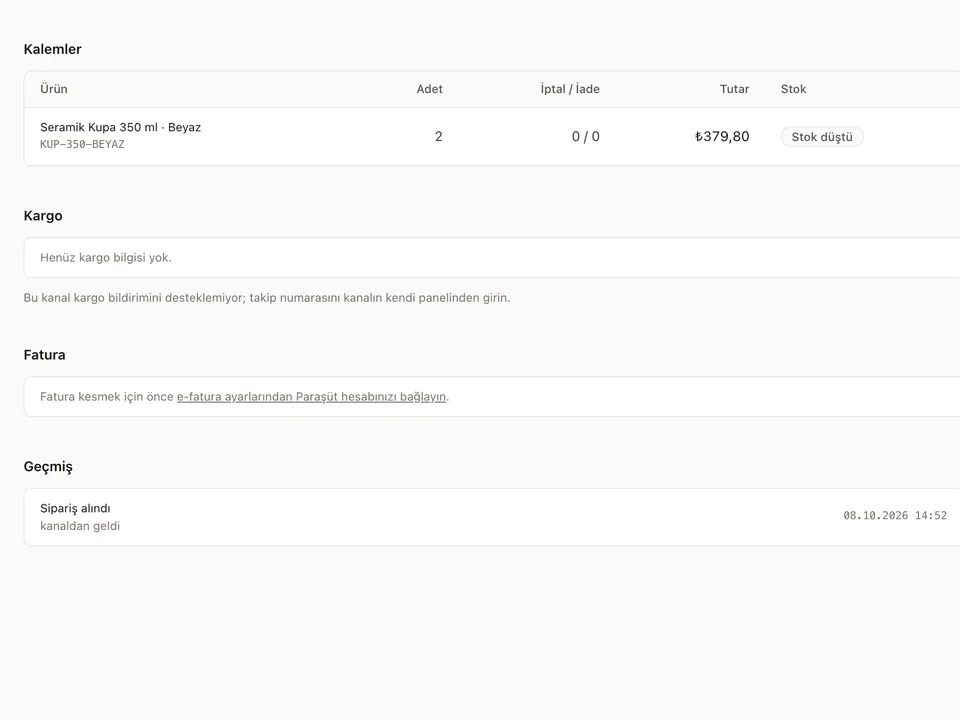
Cancellations and returns update stock
Each event is processed once; unmatched items wait until the product exists.
Which channels?
This works on all of the channels below.











Frequently asked questions
Do you store customer names and addresses?
No. Orders keep only a customer reference; personal fields are masked before storage.
What if an order contains a product I don't have?
The order is still recorded and that item waits as "stock not deducted". Once you add the product with the same SKU, stock is deducted.
What about partial returns?
Only the returned quantity is processed; the whole order is not added back to stock.
Other solutions
- Inventory sync One stock count, no overselling
- E-invoicing (Nilvera) Invoices from your Nilvera account
- Pricing rules and campaigns Channel markup, timed discounts, loss guard
- Supplier XML Products, stock and prices from a feed
- Bulk edit with Excel Update stock and prices in a sheet
- Shipment tracking Tracking numbers reach the channel
- International marketplaces eBay and Kaufland, with currency conversion