
What it solves
- You keep a separate stock sheet for international sales.
- Your TRY price goes to a EUR channel with the same number.
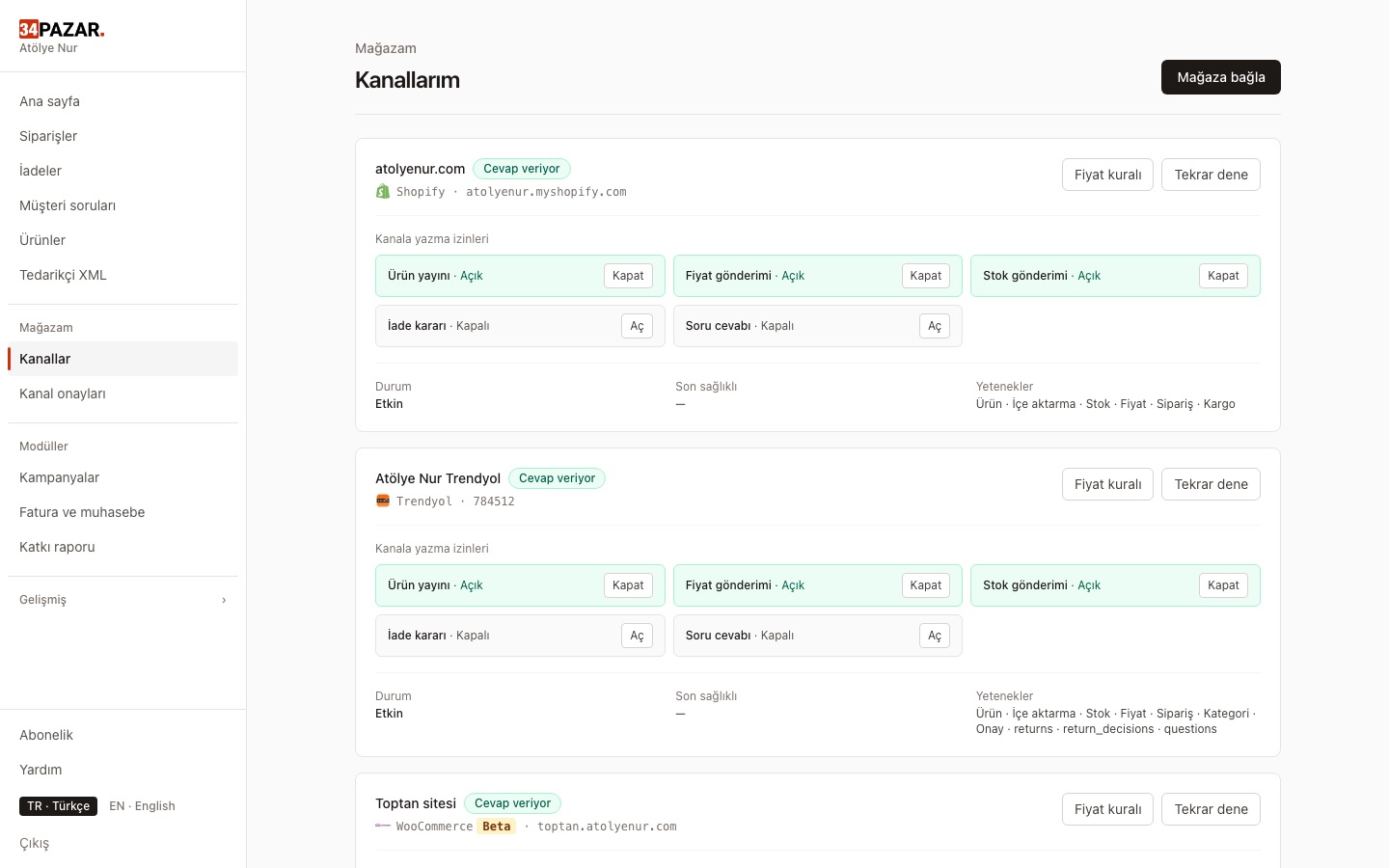
- You watch each marketplace's panel separately.
How it works
-
1
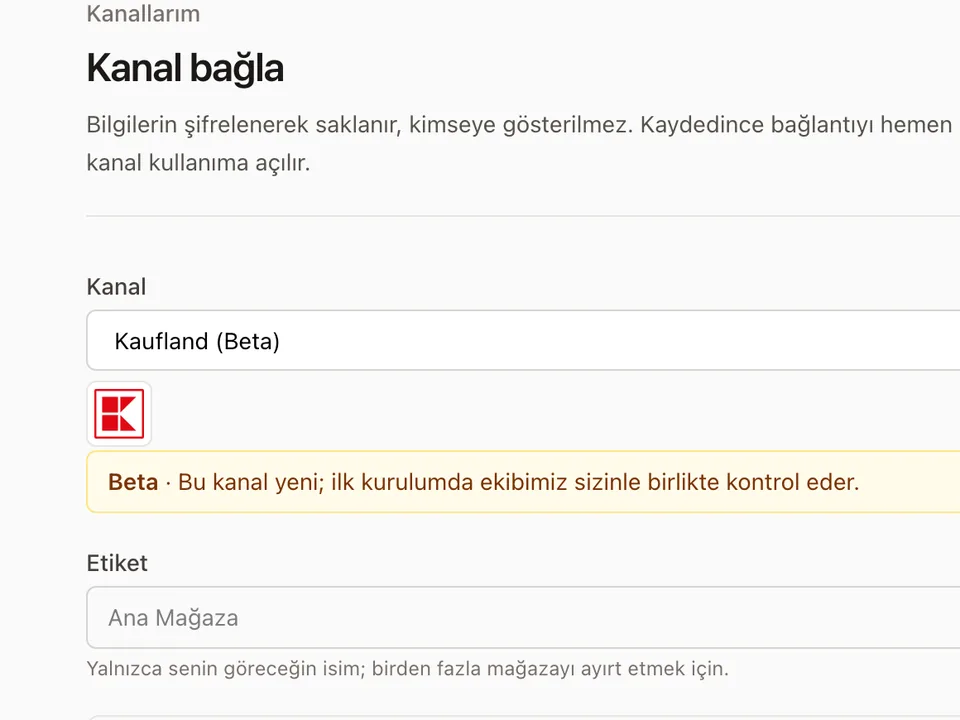
Connect the channel
API keys for Kaufland; the channel's own consent screen for eBay.
-
2
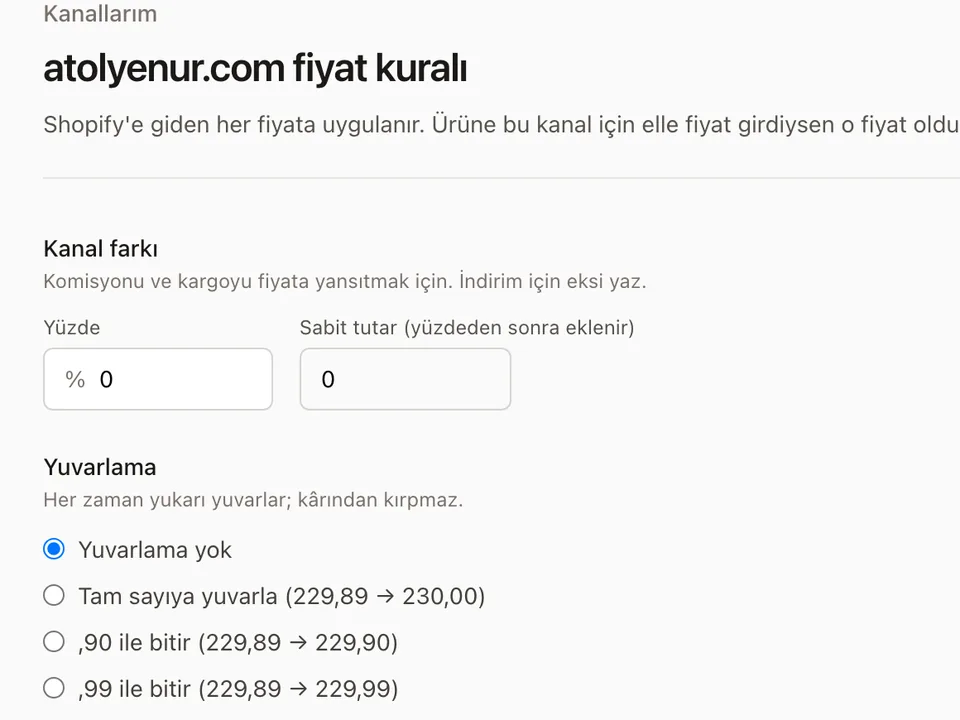
Turn on currency conversion
Your TRY price is converted to the channel's currency (EUR, USD…) at the CBRT rate, with the markup and rounding you choose. You can still enter a channel price by hand.
-
3
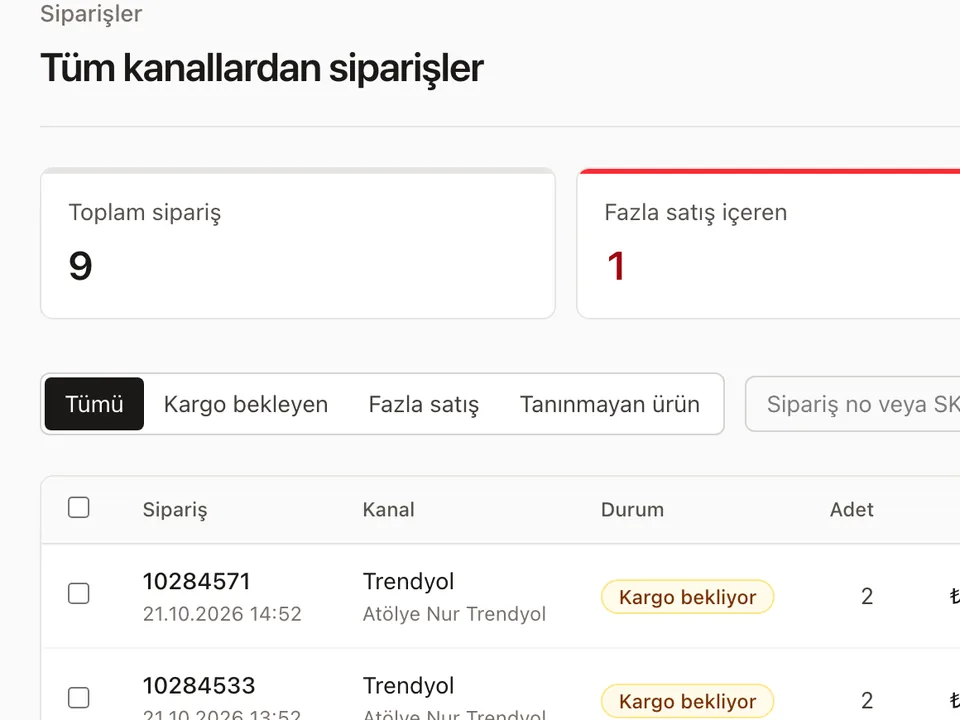
One stock, one order list
International orders reduce the same stock; your other channels are updated.


Frequently asked questions
Do you convert currencies?
Yes. Turn it on in the channel's price rule: your TRY price is converted at the CBRT forex buying rate, then your markup and rounding are applied. If the rate cannot be fetched or is older than 4 days, the price is not sent, so a TRY price is never sold as euros by mistake.
Can I create new listings abroad?
eBay supports publishing. On Kaufland you currently manage stock and prices of your existing listings.
Other solutions
- Inventory sync One stock count, no overselling
- Order management Every channel's orders in one list
- E-invoicing (Nilvera) Invoices from your Nilvera account
- Pricing rules and campaigns Channel markup, timed discounts, loss guard
- Supplier XML Products, stock and prices from a feed
- Bulk edit with Excel Update stock and prices in a sheet
- Shipment tracking Tracking numbers reach the channel