
Shipment tracking
Enter the tracking number once.
Pick the carrier and enter the tracking number on the order screen. 34Pazar sends it to the channel; where supported the order is marked shipped there too. If it fails, the reason and a "send again" button appear on the order.
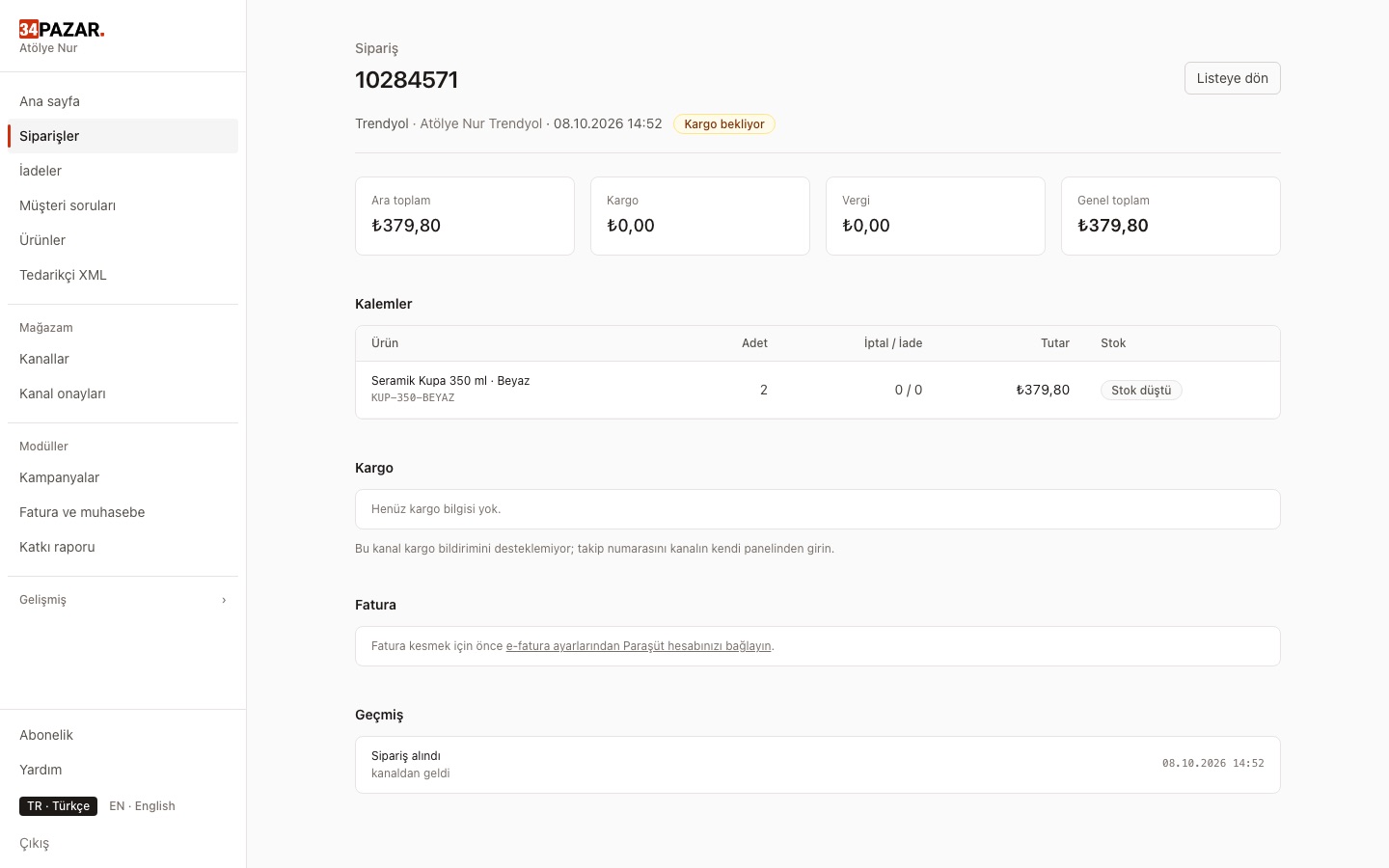
Real screenshot from the panel (demo store, Turkish interface).
What it solves
- You type tracking numbers into every channel's panel separately.
- A retry opens a second package on the same order.
- You don't know whether the number arrived.
How it works
-
1
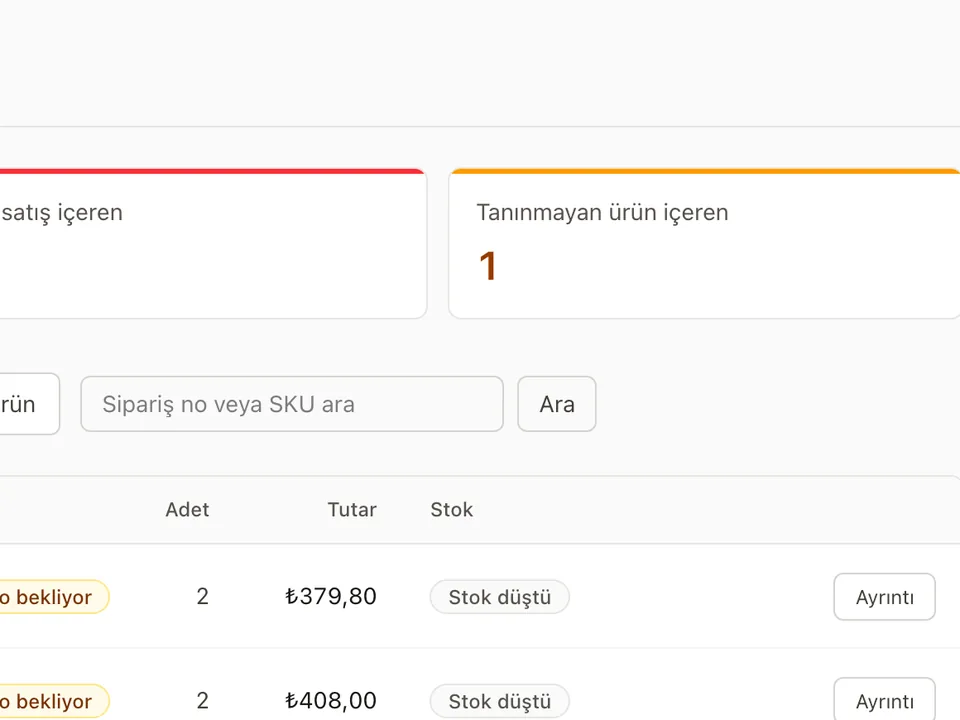
Open the order
Choose the carrier and enter the tracking number.
-
2
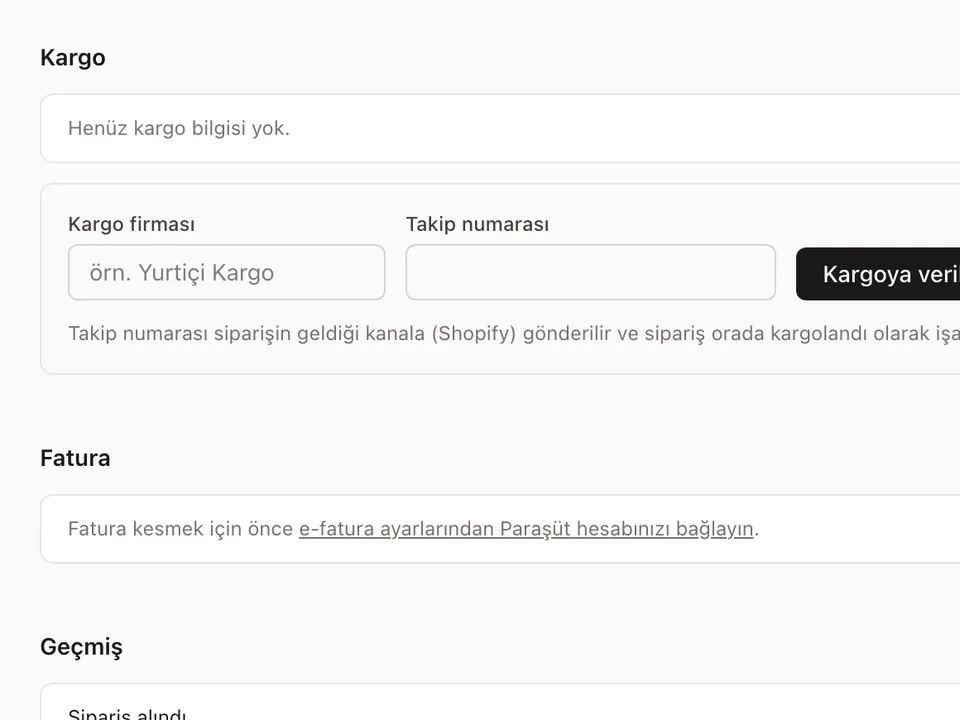
It goes to the channel
Where supported, the channel's shipment records are read first, so the same number never opens a second package.
-
3
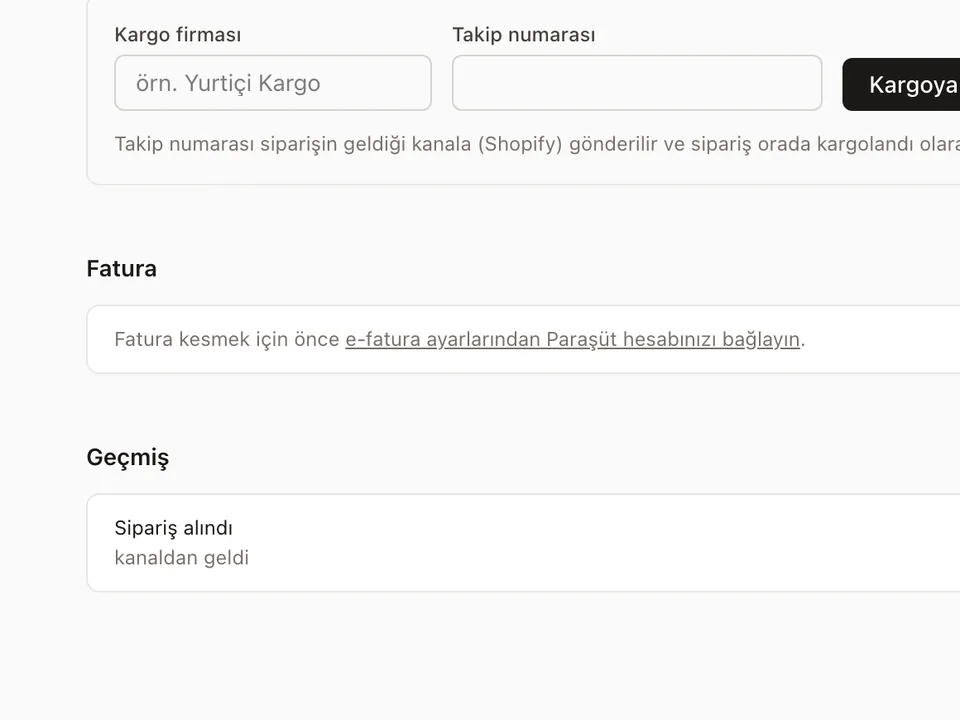
Follow the status
Sent / failed shows on the order; fix and resend if needed.



Frequently asked questions
Which channels are supported?
The channels listed below. On other channels you enter the number in the channel's own panel.
My carrier isn't in the channel's list?
It is sent with the channel's "Other" option.
Do you print shipping labels?
No. 34Pazar sends the tracking number; labels come from your carrier's system.
Other solutions
- Inventory sync One stock count, no overselling
- Order management Every channel's orders in one list
- E-invoicing (Nilvera) Invoices from your Nilvera account
- Pricing rules and campaigns Channel markup, timed discounts, loss guard
- Supplier XML Products, stock and prices from a feed
- Bulk edit with Excel Update stock and prices in a sheet
- International marketplaces eBay and Kaufland, with currency conversion